
Best Laptops for Students (2026 Guide – Budget to Premium)
💰 Budget Laptops (Best for Everyday Study)
Perfect for assignments, research, online classes, MS Office, browsing, and streaming.Why it’s great for students:
- Lightweight & portable
- Affordable pricing
- Good battery life
- Ideal for note-taking and daily tasks
👉 Best for school & basic college work under a tight budget.
Why students love it:
- Reliable performance
- Comfortable keyboard
- Solid build quality
- Great value for money
👉 One of the most balanced budget laptops for students.
⚖️ Mid-Range Laptops (Best Balance of Power & Price)
Ideal for multitasking, coding, light editing, presentations, and productivity apps.
Highlights:
- Slim & premium design
- Strong battery life
- Smooth performance for daily use
👉 Great for business, commerce, and general college students.
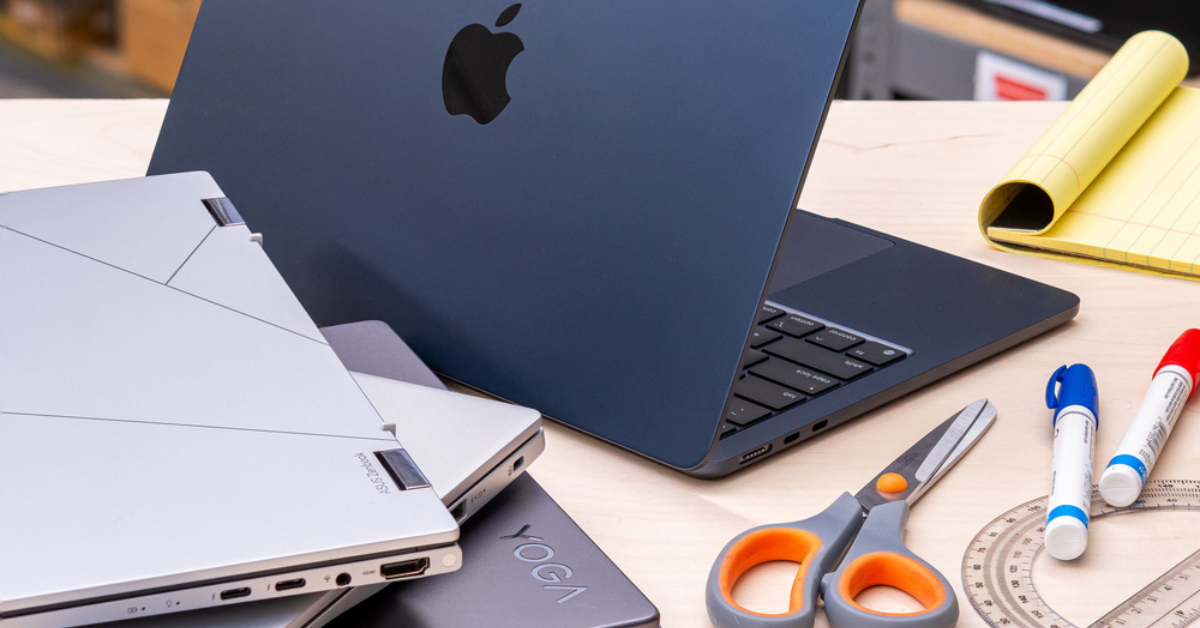
4️⃣ Apple MacBook Air M2
Why it’s highly recommended:
- Exceptional battery life
- Fast and smooth performance
- Lightweight and premium build
- Perfect for coding, editing & long study sessions
👉 Best for students who want performance + portability.
🚀 Premium Laptops (For Engineering, Design & Heavy Tasks)
If you use AutoCAD, video editing software, AI tools, gaming, or programming, consider these.
5️⃣ ASUS ZenBook 14 OLED
Top Features:
- Stunning OLED display
- Premium build quality
- Strong multitasking performance
- Lightweight yet powerful
👉 Ideal for creative students & professionals.
🎯 How to Choose the Right Laptop as a Student
Before buying, check these essentials:
✅ 1. RAM & Storage
- Minimum 8GB RAM
- At least 256GB SSD (SSD is much faster than HDD)
✅ 2. Battery Life
Look for 8–12 hours so you can survive full college days without charging.
✅ 3. Portability
13–15 inch screen size is perfect for balancing portability and usability.
✅ 4. Processor
- Basic use: Intel Core i3 / Ryzen 3
- Multitasking & coding: Intel Core i5 / Ryzen 5
- Heavy tasks: Intel Core i7 / Ryzen 7 or Apple M-series
📊 Quick Recommendation by Student Type
| Student Type | Recommended Category |
|---|---|
| School / Basic Use | Budget Laptop |
| Commerce / Business | Mid-Range Laptop |
| Engineering / Coding | Mid-Range or Premium |
| Design / Editing | Premium Laptop |
| AI / Heavy Software | High-Performance Laptop |
🏆 Final Verdict
- On a tight budget? → Go for ASUS Vivobook Go 14 or Lenovo IdeaPad Slim 3
- Want long battery + premium feel? → MacBook Air M2
- Need creative power? → ASUS ZenBook 14 OLED
The best laptop for students isn’t the most expensive one — it’s the one that fits your needs, budget, and daily workflow.