
🛡️ Antivirus vs Built-In Security — Do You Really Need Extra Protection?
🧠 What We’re Comparing
Before we dive in, here’s a quick look at what we mean:
✅ Built-In Security = security tools that come free with your device
➡ Windows Defender (Windows), Apple’s built-in protections (Mac/iPhone), Google Play Protect (Android)
✅ Antivirus / Security Suite = third-party software with extra layers of protection
➡ e.g., Bitdefender, Norton, Kaspersky, McAfee, ESET, etc.
🔍 Built-In Security: What You Already Have
🪟 Windows (Windows Security / Defender)
✔ Real-time malware scanning
✔ Firewall
✔ Ransomware protection
✔ Browser protection
✔ Automatic updates
Windows Security has improved dramatically and catches most common threats without extra cost.
🍏 macOS & iPhone
Apple systems are designed with security first:
✔ App sandboxing
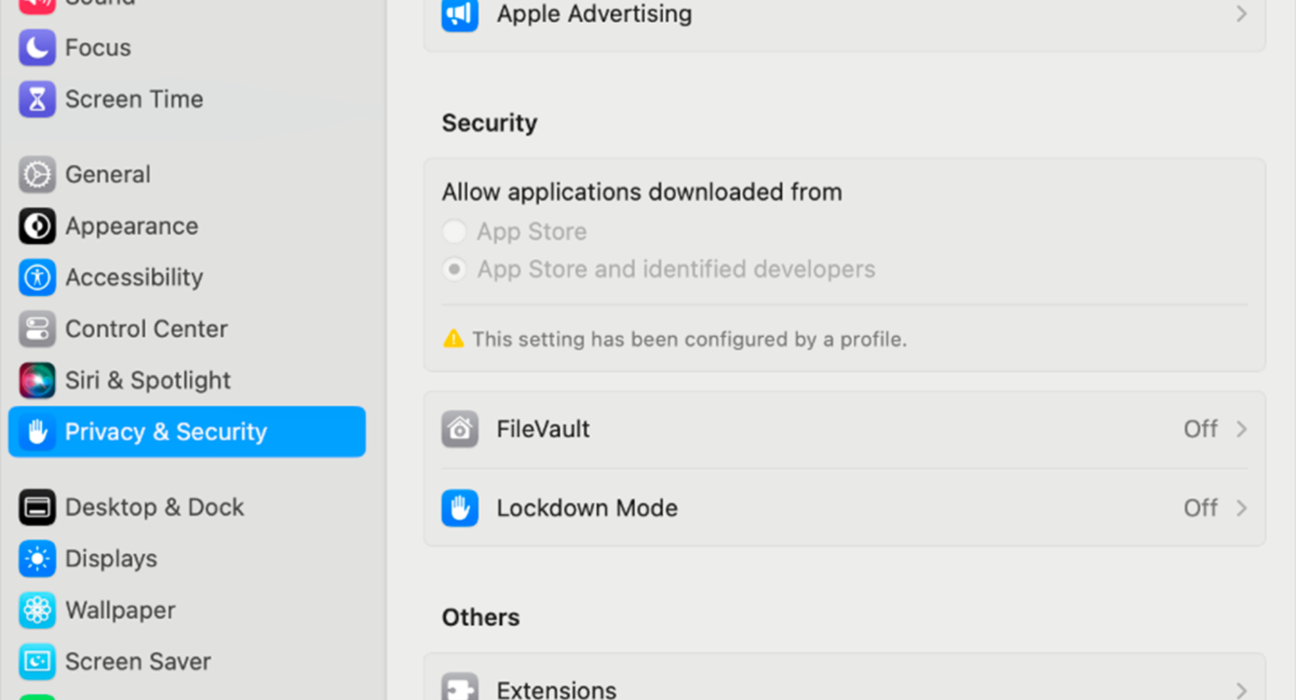
✔ Gatekeeper app checks
✔ Malware detection
✔ Secure boot / encrypted storage
True antivirus requirements are lower because apps must meet stricter security checks.
🤖 Android (Google Play Protect)
✔ Scans apps installed from Play Store
✔ Warns about harmful apps
✔ Basic malware detection
Good for typical users — especially on new Android versions.
🔐 Third-Party Antivirus: What It Offers
| Feature | Built-In Security | Third-Party Antivirus |
|---|---|---|
| Real-Time Malware Protection | ✔ | ✔ (often stronger) |
| Ransomware Protection | Some | ✔ Enhanced |
| Firewall | Basic → Windows only | ✔ Advanced on many suites |
| Web / Phishing Protection | Limited | ✔ Strong browser protection |
| VPN (some vendors) | ❌ | ✔ Included with some plans |
| Password Manager | ❌ | ✔ Included often |
| Identity Theft Protection | ❌ | ✔ With some plans |
| Parental Controls | Basic → OS-dependent | ✔ Advanced |
| Support & Alerts | Limited | ✔ 24/7 support |
🧠 Threat Types: What You’re Protected Against
Built-In Security Handles Well
✔ Known malware
✔ Basic ransomware attempts
✔ Unsafe downloads from common sources
✔ System threats (Windows Defender)
Third-Party Antivirus Adds Protection Against
✔ Zero-day threats
✔ Sophisticated phishing & web attacks
✔ Advanced ransomware variants
✔ Email threats
✔ Deep scanning of nested files
✔ Network vulnerabilities
👉 Third-party products often detect more subtle/stealthy threats that built-in tools can miss.
📊 Real-World Protection: How They Compare
🟢 Built-In Security Is:
✔ Free and automatic
✔ Lightweight — minimal performance impact
✔ Already good for most users
🟠 Third-Party Antivirus Is:
✔ More comprehensive
✔ Better at catching unknown threats
✔ Includes extras like:
- Advanced firewall
- Password managers
- VPN access
- Parental controls
- Identity protection
🧪 Testing & Detection Rates
Independent labs like AV-Test and AV-Comparatives regularly test antivirus programs.
- Windows Defender scores very well against common malware
- Top third-party apps often edge ahead with slightly better detection of zero-day threats and phishing
But the gap has narrowed over the years — meaning built-in tools are no longer weak.
📈 Performance Impact (Speed & Battery)
Every security solution uses system resources.
- Built-in security tends to be lighter and more optimized.
- Third-party antivirus may use more CPU/RAM (though premium products are better optimized than they used to be).
If speed and battery life matter, modern built-in protection is hard to beat.
🧠 So What Should You Do?
The best choice depends on how you use your device.
📌 You Probably Don’t Need Extra Antivirus If…
✔ You use your device for everyday tasks
✔ You browse trusted sites
✔ You don’t install software from unknown sources
✔ You use built-in protections (Windows/Mac/Google Play Protect)
Built-in security is good enough for typical users.
📌 Consider Third-Party Security If You…
✔ Download software often from non-official sites
✔ Work with sensitive data (finance, business docs)
✔ Browse a lot of unfamiliar sites
✔ Use public Wi-Fi frequently
✔ Want advanced protections (VPN, password managers, identity tools)
✔ Live in regions with higher cybercrime targeting
Extra antivirus adds value here.
🛡️ Web & Phishing Protection Matters More Than Ever
Some third-party security suites include:
✔ Browser protection (blocks phishing & malicious links)
✔ Safe banking mode
✔ Anti-tracking
Built-in protections catch many threats but may miss sophisticated tricks like fake sites or cloned login pages.
🧠 What About Macs & iPhones?
- macOS: Built-in security + app vetting is strong — third-party antivirus adds minimal benefit unless you share files with Windows PCs often.
- iPhone / iPad: Antivirus apps don’t really work due to sandboxing — built-in protections + safe habits are sufficient.
If you’re primarily an Apple user, third-party antivirus is rarely necessary.
📊 Android Devices
Google Play Protect is good, but:
✔ Doesn’t scan apps outside Play Store as deeply
✔ Offers weaker web/phishing protection
Consider third-party mobile security if you:
- Install apps outside Play Store
- Use your phone for banking and critical accounts
- Want stronger malware scans
🌐 Internet Safety Isn’t Just Antivirus
Security is also about your habits:
✅ Keep your OS updated
✅ Update apps regularly
✅ Use strong, unique passwords
✅ Enable 2-Factor Authentication
✅ Avoid clicking suspicious links
Even the best antivirus can’t fix unsafe behavior.
📌 Final Verdict
Built-In Security:
✔ Great for everyday users
✔ Free, low impact, automatic
✔ Definitely sufficient for most personal use
Third-Party Antivirus:
✔ Better for heavy threats
✔ Adds phishing, ransomware, web protection
✔ Great for advanced security needs
🧠 Bottom Line
👉 For most people: Built-in security + safe habits = enough protection
👉 For higher risk / advanced users: Add a reputable third-party antivirus