


monday.com Review: Features, Benefits, Pricing, and Everything You Need to Know
Choosing the right project management tool can make a big difference in how your team works. This monday.com review explains its main features, benefits, pricing, and why many businesses rely on it for daily work. Whether you manage a small team or a large organization, monday.com offers an easy way to organize projects, track progress, and improve collaboration.
What Is monday.com?
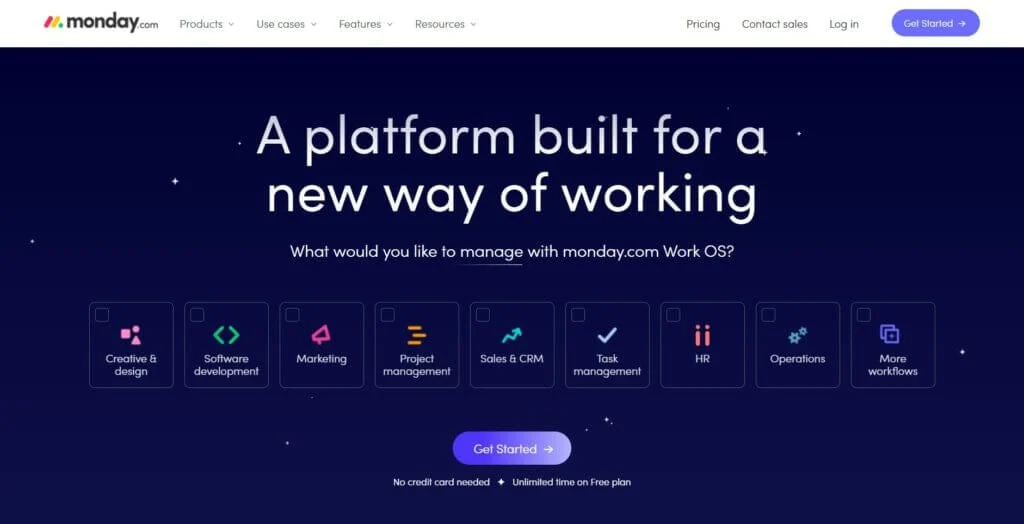
monday.com is a cloud-based work management platform that helps businesses plan, organize, and monitor their work from one place. It allows teams to assign tasks, set deadlines, share files, and communicate without switching between multiple tools.
The platform is suitable for different industries, including marketing, IT, HR, sales, operations, and customer support. Its simple design makes it easy for beginners, while its advanced features meet the needs of experienced project managers.
If you want to learn more about improving workplace efficiency, you can also read our guides on project management software, workflow automation, and team collaboration tools.
Key Features of monday.com
One reason behind the popularity of monday.com is its wide range of useful features. Some of the most valuable include:
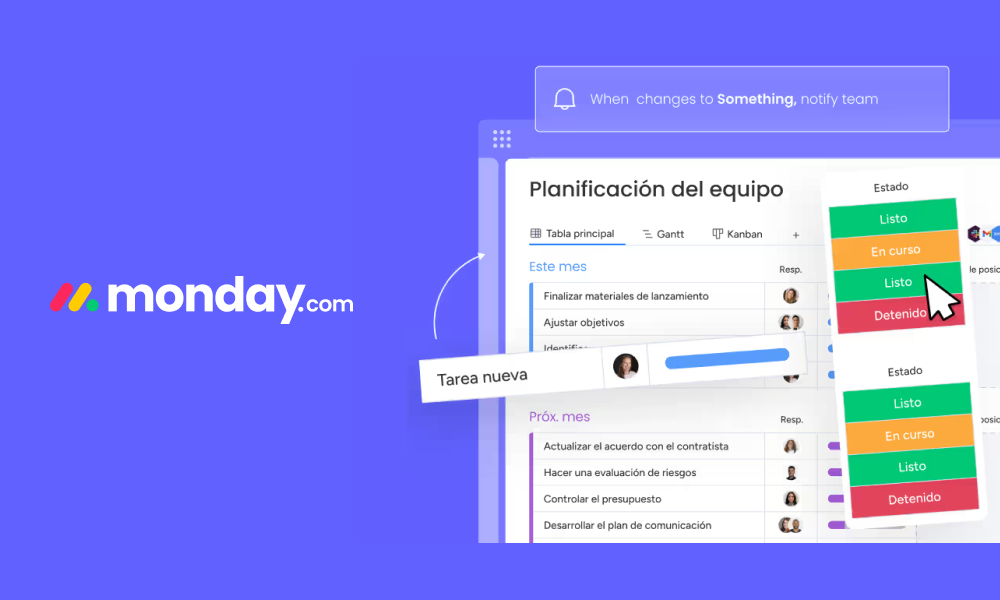
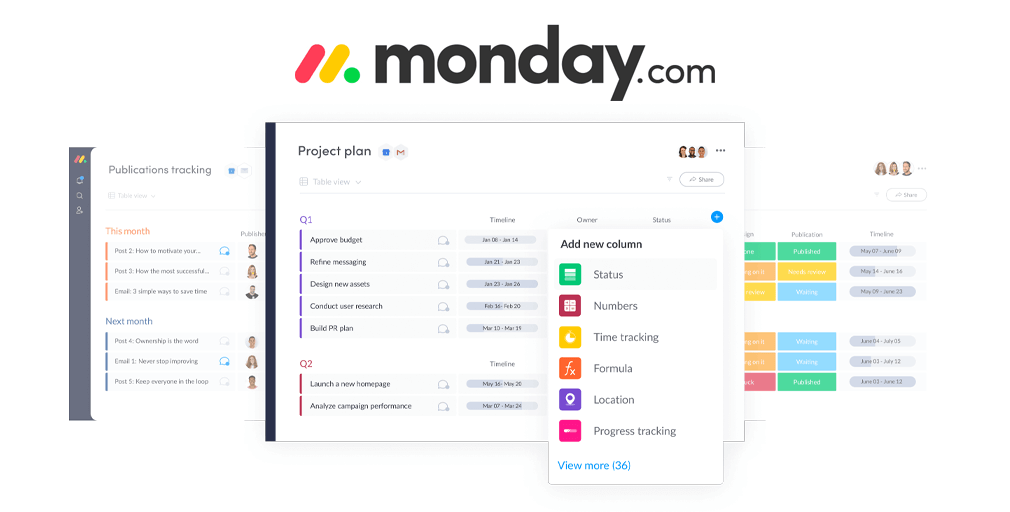
- Visual project boards for better task tracking
- Calendar, Timeline, Kanban, and Gantt views
- Custom dashboards for real-time reporting
- Workflow automation to reduce repetitive work
- Team collaboration with comments and file sharing
- Integration with popular business applications
- Time tracking and project monitoring
- Mobile apps for managing work on the go
These features help teams stay organized while improving communication and productivity.
monday.com Pricing Overview
monday.com offers different pricing plans to suit businesses of all sizes. There is a free plan for individuals and small teams with basic features. Paid plans include more advanced options such as automation, integrations, dashboards, and enhanced reporting.
As your business grows, you can upgrade your plan to access additional features without changing your workflow.
monday.com vs Traditional Project Management
| Feature | monday.com | Traditional Project Management |
|---|---|---|
| Task Tracking | Visual and real-time | Mostly manual |
| Team Collaboration | Centralized workspace | Email and meetings |
| Automation | Built-in automation | Manual processes |
| Progress Reports | Instant dashboards | Time-consuming reports |
| Flexibility | Highly customizable | Limited flexibility |
The comparison clearly shows how monday.com simplifies project management while reducing manual work.
Benefits of Using monday.com
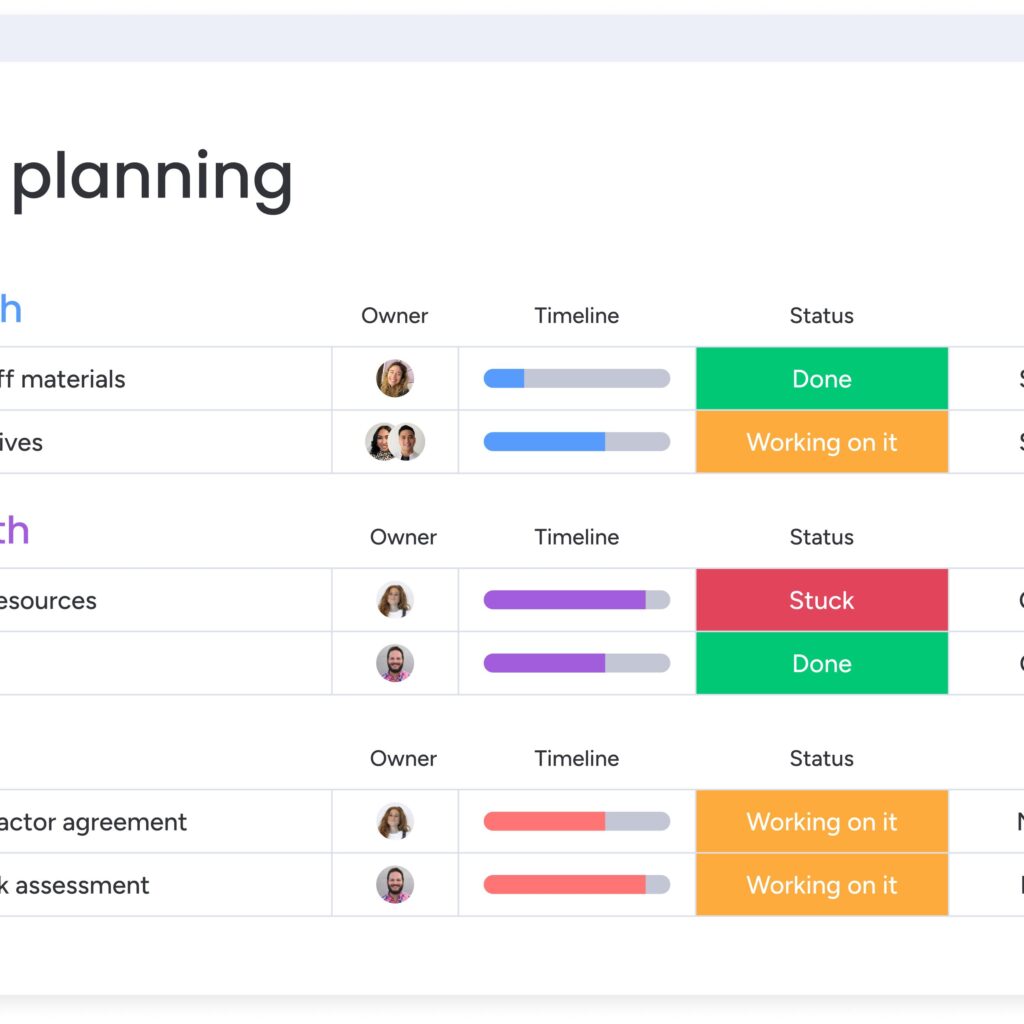
The biggest advantage of monday.com is its flexibility. Teams can create workflows that match their business needs instead of changing their process to fit the software.
Another major benefit is transparency. Everyone can see project updates, task ownership, and deadlines in real time, helping reduce confusion and improve accountability.
Automation also saves valuable time by handling repetitive tasks such as reminders, notifications, and status updates. This allows employees to focus on meaningful work instead of routine administration.
Final Thoughts
This monday.com review shows why the platform has become a trusted choice for businesses around the world. It combines project management, collaboration, automation, and reporting into one easy-to-use solution. With flexible pricing, powerful features, and an intuitive interface, monday.com works well for startups, growing businesses, and large enterprises alike.
If your goal is to improve teamwork, complete projects faster, and keep every task organized, monday.com is a reliable platform worth considering.