
Best Laptops for Remote Work + Zoom (2026): Comfort, Power & Productivity
What Makes a Laptop Ideal for Remote Work + Zoom?
Before the recommendations, let’s break down the core requirements for remote productivity.
🧠 Key Features That Actually Matter
- Reliable webcam & microphones for video conferencing
- CPU power & multitasking for Zoom, browser tabs, docs
- Battery life for long calls and work days
- Keyboard comfort for typing/meetings
- Portability for moving between rooms or travel
- Build quality & long-term reliability
These are the specs that influence every day of working remotely, not just the first week.
Top Laptops for Remote Work + Zoom (2026)
Here are the best choices by category — from travel-ready ultraportables to power users who need more performance.
🏆 Best All-Around Laptops for Remote Work
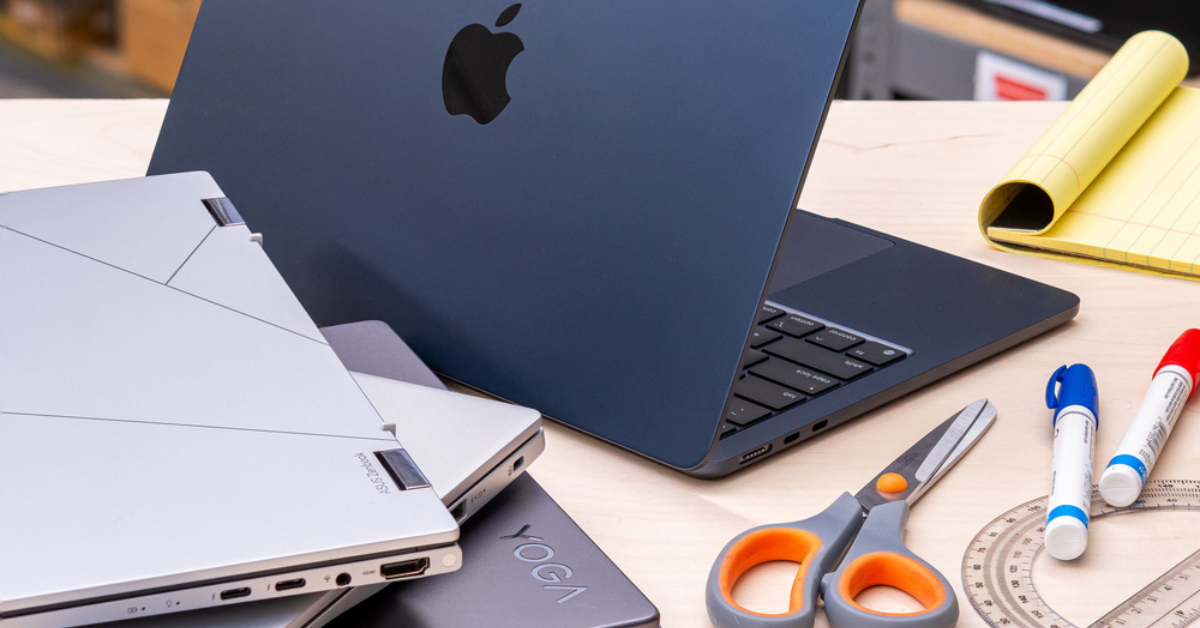
💻 Apple MacBook Air (M2 / M3)
Why it’s great
- Excellent performance with efficient Apple silicon
- Long battery life (10–15 hours typical)
- Great webcam & mic system
- Lightweight & silent fanless design
Best for:
Remote workers, creatives, freelancers, students
Real-world insight:
The MacBook Air handles Zoom, Slack, browser tabs, and productivity apps without lag. Battery stays strong even with AI background removal and video calls — a key advantage when you don’t want to stay tied to a plug.
💻 Dell XPS 13
Why it’s great
- Slim, premium build & excellent screen
- Reliable performance with Intel or AMD options
- Impressive keyboard & touchpad
- Great battery life
Best for:
Professionals who want a Windows alternative with sleek design
Expert tip:
Dell’s XPS webcam placement and color-accurate screen make it one of the few Windows laptops that consistently look good on video calls.
💻 Lenovo ThinkPad X1 Carbon Gen 12
Why it’s great
- Best-in-class keyboard
- Durable and lightweight
- Strong security features
- Fantastic battery life
Best for:
Business users, frequent Zoom meetings, enterprise workflows
Real-world insight:
If you type all day and rely on meetings, the ThinkPad keyboard makes a noticeable productivity difference — fewer typos, less fatigue.
💼 Best for Hybrid Work & Travel
💻 HP Spectre x360 14/16
Why it’s great
- 2-in-1 versatility (laptop/tablet mode)
- Bright, touch display
- Solid build quality
Best for:
Hybrid workers who want flexibility + style
Expert tip:
The convertible design is especially useful if you present or annotate documents during calls.
💻 Microsoft Surface Laptop 6
Why it’s great
- Clean, lightweight Windows experience
- Great in-built webcam & microphones
- Excellent display for video calls
Best for:
Users who want Windows simplicity + premium feel
Real-world insight:
Surface devices often feel like Apple laptops in ease of use, but with the Windows ecosystem many businesses still rely on.
💪 Best For Power Users & Multitaskers
💻 Apple MacBook Pro (14-inch / 16-inch)
Why it’s great
- Higher-end CPU & GPU
- Excellent battery life even under load
- Studio-grade microphone array
- Ideal for video editing + remote work
Best for:
Content creators, developers, power multitaskers
Expert observation:
Even for remote work and Zoom alone, the MacBook Pro’s performance headroom future-proofs your device.
💻 Dell XPS 15 / XPS 17
Why it’s great
- Large, vibrant display
- Powerful Intel processors
- Great for large workspaces or split-screen workflows
Best for:
Analysts, designers, developers
Real-world use:
If your remote work includes editing large spreadsheets or creative panels, the larger XPS models handle it comfortably.
🎓 Best Budget-Friendly Laptops for Remote Work
Not everyone needs premium price tags — many great budget laptops run Zoom and productivity apps well.
💻 ASUS VivoBook / Lenovo IdeaPad Series
Why they’re good
- Affordable but capable
- Solid battery life
- Decent keyboard + screen
- Often includes built-in privacy shutters
Best for:
Students, part-time remote roles, cost-conscious buyers
Note:
You may trade off ultra-long battery life or premium build, but you won’t lose reliability.
🧠 What To Look for Specifically for Zoom + Remote Collaboration
To avoid buying something that looks good on paper but fails in practice, focus on:
🔍 Webcam Quality
- 1080p is becoming standard (better than 720p)
- Look for good low-light performance
- Larger laptops often have wider camera angles
🔉 Microphone & Speaker Quality
- Dual or array mics help with voices and background noise
- Strong speakers make video calls more natural
🔌 Connectivity
- USB-C with charging
- HDMI or DP for external monitors
- Good Wi-Fi 6E or Wi-Fi 7 for stable connections
🔋 Battery Life
- 8+ hours under real workloads
- Bonus if fast charging is supported
💻 Keyboard & Comfort
- Comfortable keyboards matter for typing long messages
- Backlit keys help in low-light environments
Quick Decision Guide
| Students | Mid-range ultraportables |
| Remote office workers | Ultrabooks / premium laptops |
| Creatives | MacBook Pro / powerful Windows |
| Travelers | Lightweight laptops |
| Budget buyers | Value laptops |
Common Remote Work Mistakes (And How to Avoid Them)
❌ Mistake: Choosing CPU Alone
Fix: Balance CPU with battery life, webcam, and mic quality.
❌ Mistake: Ignoring Keyboard Comfort
Fix: Try typing reviews and ergonomic tests.
❌ Mistake: Overlooking Connectivity
Fix: Ensure ports support monitors and headsets without adapters.
❌ Mistake: Buying Too Small a Screen
Fix: 14–16 inches is ideal for split-screen work.
Real-World Setup Tips for Better Zoom Experience
🎧 Headset Before Speakers
A quality headset or earbuds often gives clearer voice/audio than laptop speakers.
🌐 Stable Wi-Fi
Use 5 GHz or Wi-Fi 6 routers where possible.
🎥 Camera Height
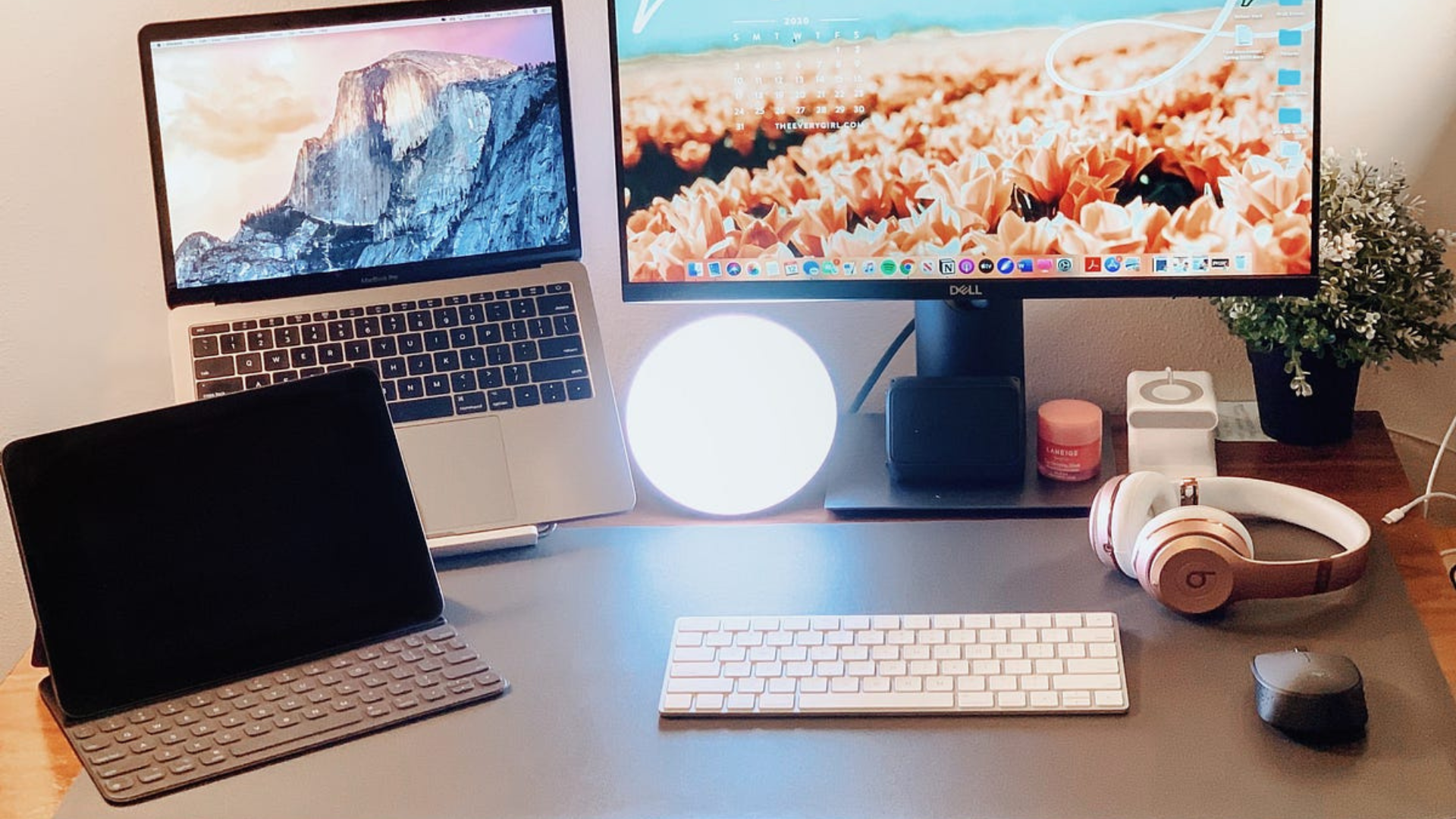
Elevate laptop to eye level with a stand for natural framing.
🔇 Background Noise Reduction
Use noise suppression in Zoom settings.
FAQs About Remote Work Laptops
❓ Is more RAM always better for Zoom?
Yes — 16GB is recommended if you multitask with large documents and multiple apps.
❓ Do I really need a dedicated webcam?
Not always — but dedicated 1080p webcams are noticeably better than many laptop webcams.
❓ What’s more important, battery life or performance?
For remote work, battery life + stable performance wins over raw speed.
Final Verdict: Best Laptops for Remote Work + Zoom in 2026
There’s no one perfect laptop — only the right laptop for your workflow.
👉 For most remote workers: Apple MacBook Air or Dell XPS 13
👉 For heavy multitaskers & creators: MacBook Pro or Dell XPS 15
👉 For budget remote work: ASUS VivoBook or Lenovo IdeaPad
The ideal laptop blends comfort, performance, video calling quality, and portability — so your focus stays on work, not your tech.