💻 Best Budget Laptop Review (Under ~$600 / ~₹50,000) – 2026 Guide
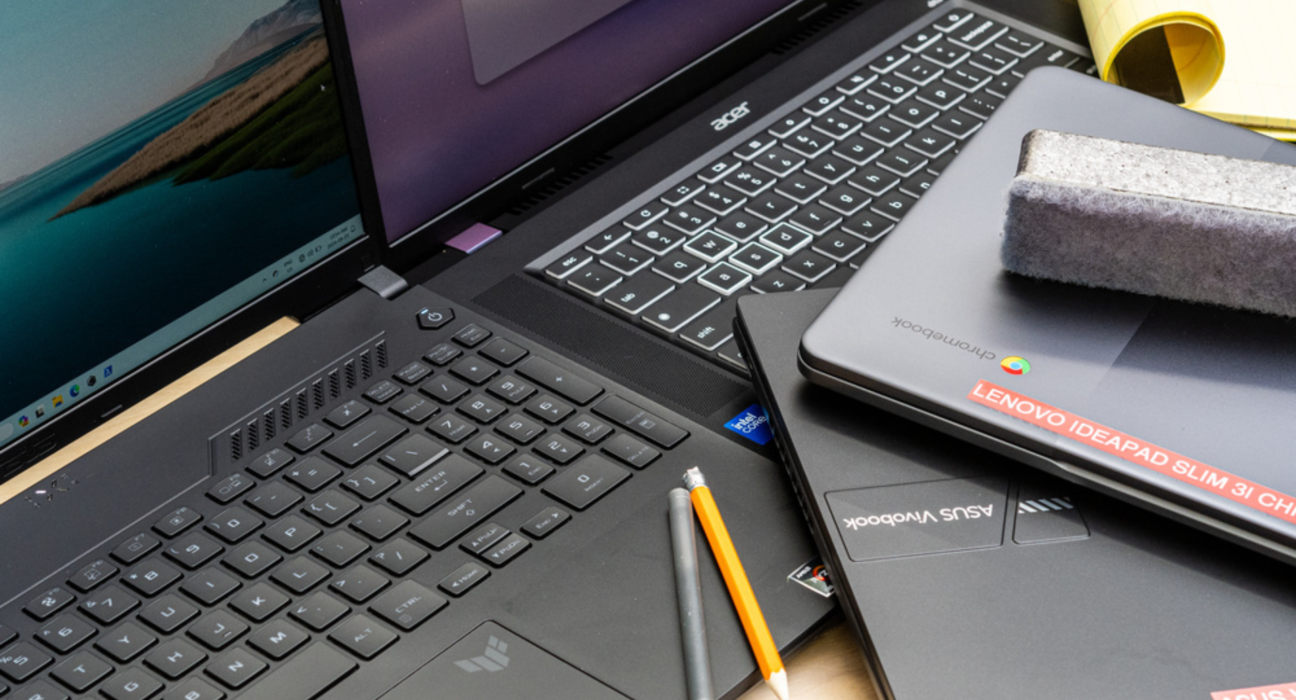
Looking for a solid laptop without spending a fortune? Today’s budget laptops under $600 (~₹50,000) can handle everyday productivity, schoolwork, streaming, and light multitasking with decent performance and good battery life. Here’s a curated review of the best value picks across different use-cases — Windows laptops, Chromebooks, and versatile options.
🧠 Top Budget Laptop Picks (Under ~$600)
📊 What to Expect from Budget Laptops (Under $600)
⚙️ Performance
- Most Windows machines use Intel Celeron/N-series or similar CPUs and 8 GB RAM. Solid for Microsoft Office, Google Workspace, Zoom calls, and web browsing.
- Chromebooks use simpler chips (like Celeron or ARM-based), but Chrome OS is lightweight and responsive for everyday tasks.
🖥️ Display & Build
- Budget laptops typically come with 14–15.6″ HD or Full HD screens — clear for videos and web pages.
- Build quality varies — expect mostly plastic chassis, but many feel sturdy for daily use.
🔋 Battery Life
- Around 6–9+ hours is common, depending on workload and screen brightness. Chromebooks often stretch battery time further.
💾 Storage & Memory
- Around 128–256 GB SSD storage and 8 GB RAM is typical — enough for most users at this price point.
- Fast SSDs make a noticeable difference in boot-up speeds and app responsiveness.
🧠 Who These Laptops Are Best For
| Use Case | Best Choice |
|---|---|
| 📚 Students & Schoolwork | Windows laptops like ASUS Vivobook Go / Lenovo IdeaPad 1 |
| 🌐 Web-centric users | Chromebooks like HP Chromebook 14a |
| 💻 Office & Productivity | Larger screens like ASUS Vivobook 15 |
| 🎥 Streaming / Media | FHD laptops under $600 offer good video experience |
🛍️ Buying Tips For Budget Laptops
✔ Always aim for SSD storage (faster than HDD).
✔ Prefer Full HD (1920×1080) screens if you can find them.
✔ Pick 8 GB RAM at minimum for smoother multitasking.
✔ Chromebooks are often better if you use Google apps or cloud services.
💡 Final Verdict:
Budget laptops under $600 today are much more capable than older generation machines — reliable for everyday tasks, school, content streaming, and remote work. Choose a Windows laptop for flexible apps or a Chromebook if your workflow is mainly online.