


💻 MacBook vs Windows Laptop
Best for Students & Work (2026 Guide)
Both MacBooks and Windows laptops are solid tools for productivity, but they differ in price, software compatibility, design, ecosystem, and long-term value. Your ideal choice depends on what you’ll do most with the device.
📌 1. Performance & Everyday Use
🍏 MacBook
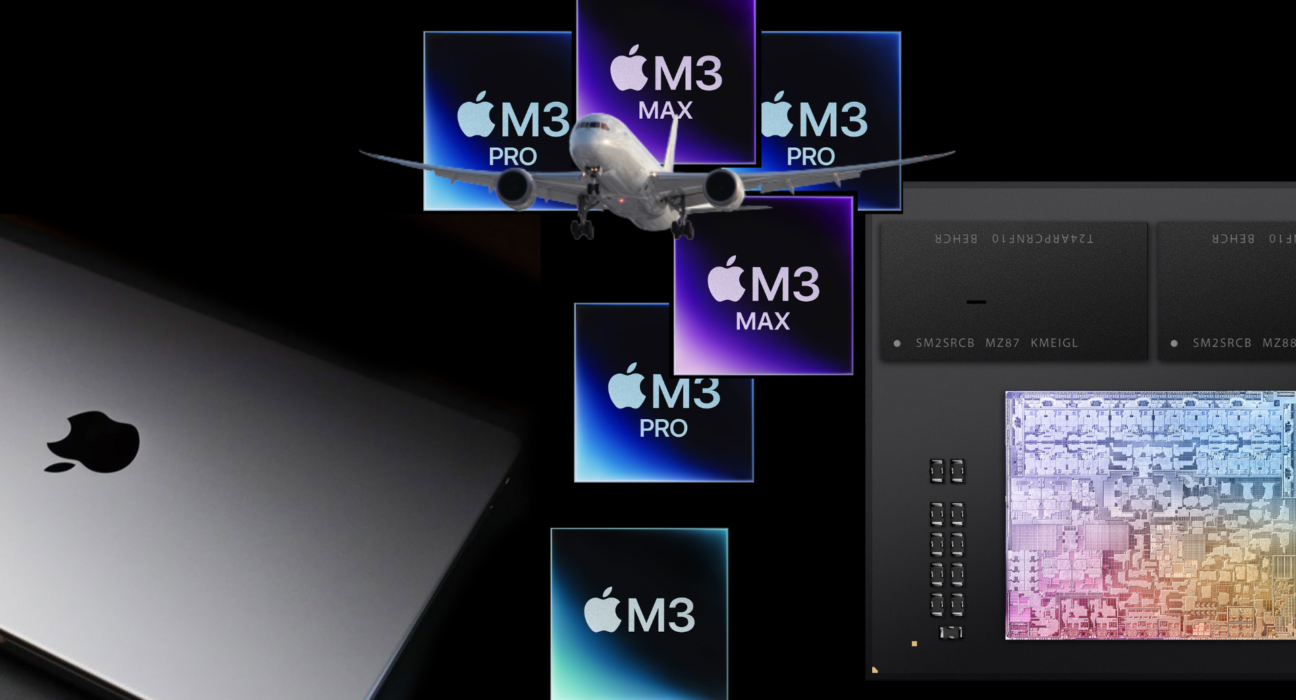
- Apple’s custom chips (like the M4) deliver fast, efficient performance for everyday tasks — writing, web browsing, spreadsheets, multimedia editing, and light creative work — while staying cool and quiet.
- Excellent battery life is one of MacBooks’ biggest strengths, often lasting a full day on a single charge.
- Build quality, reliability, and long-term software support are strong pluses.
👉 Great for:
✔ Writers, students, office work
✔ Photo/video editing and creative tools
✔ People who value battery life and smooth everyday performance
🪟 Windows Laptop
- Windows laptops come in many price ranges, from affordable basic machines to high-end beasts — so you get more variety depending on your budget.
- Some models offer touchscreens, pen input, upgradable hardware, and more ports.
- Performance varies widely — premium models can rival MacBooks, while budget ones focus more on basic tasks.
👉 Great for:
✔ Engineering software (e.g., CAD, MATLAB)
✔ Business and custom workflows
✔ Gamers or power users
🖥️ 2. Software & Compatibility
🍏 macOS
- Seamless Apple ecosystem integration (“Continuity”, AirDrop, iMessage, etc.) if you use an iPhone or iPad.
- Many creative apps (Final Cut Pro, Logic Pro, etc.) are Mac-focused and optimized.
- Modern Macs can run many common Windows apps through virtualization or cloud versions — but not all.
🪟 Windows
- Broadest software compatibility — almost all school and work apps run natively.
- Ideal for specialized applications used in engineering, statistics, finance, and corporate environments.
💡 If your coursework or job involves Windows-only software, a Windows laptop is usually safer.
📱 3. Ecosystem & Workflow
🍏 MacBook
- Works especially well with other Apple devices — drag and drop content, shared clipboard, automatic sync.
- Great if you already use iCloud, iPhone, iPad, and other Apple services.
🪟 Windows
- Works with a wide variety of accessories and peripherals from many manufacturers.
- Integration with Android is improving but not as seamless as Apple’s ecosystem.
🔒 4. Security & Updates
- macOS is seen as more secure out of the box, with tighter sandboxing and fewer malware threats historically.
- Windows has strong security too, especially recently, but because it’s more widely used, it’s a bigger target.
💰 5. Price & Value
🍏 MacBook
✔ Premium build and long life
❌ Usually higher upfront cost
❌ Non-upgradable RAM/storage in most models
🪟 Windows
✔ Wide range of prices (budget–premium)
✔ Some allow future upgrades (storage, RAM)
❌ Cheaper models may lag in performance or battery life
💡 Windows gives you more choice at every budget tier.
📊 Best Picks by Use Case
🎓 Best for Most Students
- MacBook Air (M4) — excellent balance of performance, battery life, portability, and build quality (often among the top students’ picks).
- Windows mid-range laptop — strong performance and better compatibility if your syllabus needs specific Windows apps.
🧠 Best for Creative & Design Work
- MacBook Pro — optimized for creative software
- High-end Windows laptops — great for power users who want graphics upgrade options
🧮 Best for Engineering / STEM / Business
- Windows laptops often win due to app compatibility and customization
🎮 Best for Gaming + Work Combo
- Windows laptop — gaming performance plus work use
✈️ Best for Portability
- MacBook Air — slim and lightweight with long battery
🏁 Final Verdict
Choose a MacBook if:
✔ You want simple, polished performance
✔ Long battery life and robust build matter
✔ You’re in creative fields or use Apple ecosystem tools
Choose a Windows Laptop if:
✔ You need broad software compatibility
✔ You’re on a tighter budget
✔ You want customization, upgrades, or gaming potential