🔐 Password Manager Review (Autofill + Passkeys) — Best Picks for 2026
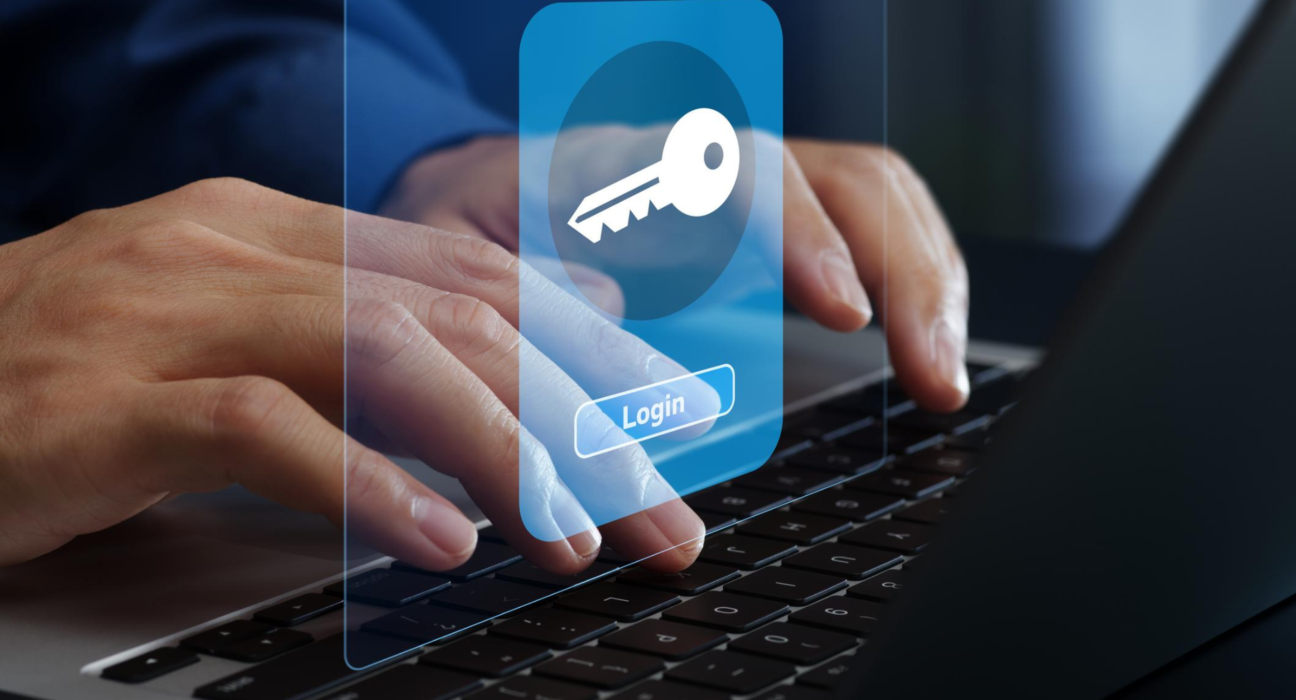
Password managers help you securely store, auto-fill, and generate strong credentials for all your accounts — and the newest ones also support passkeys (passwordless logins secured by biometrics or built-in device keys) for even better security. Here’s a practical review of the top password managers in 2026 focusing on autofill reliability, security, cross-device sync, and passkey support.
🏆 1️⃣ NordPass — Best All-Around Password Manager
📍 Great balance of usability, autofill, and security
- Autofill: Strong form & password autofill across browsers/devices.
- Passkeys: Built-in support growing with ecosystem adoption.
- Security: Zero-knowledge encryption + built-in TOTP authenticator.
- Extras: Autofills 2FA codes too — no separate authenticator app needed.
💡 Why choose it: Quick logins, good autofill, simple UI, and strong security features make NordPass ideal for most people needing both convenience and privacy.
🥈 2️⃣ RoboForm — Best for Autofill & Value
📍 Exceptional autofill & classic form-filling performance
- Autofill: Excellent handling of web forms and credentials.
- Passkeys: Some support in ecosystem-ready services.
- Security: Encrypted vault with strong AES-256 protection.
- Price: Budget-friendly plans available.
💡 Why choose it: If your priority is autofill accuracy and ease of filling forms, RoboForm is often the smoothest experience — especially on desktops and browsers.
🥉 3️⃣ 1Password — Most Polished Security & Passkey Integration
📍 Excellent security + modern passkey support
- Autofill: Very smooth autofill across platforms.
- Passkeys: First-class support as passkeys become more mainstream.
- Security: Strong auditing tools, breach monitoring, and unique “Two Secret” key setup.
💡 Why choose it: Best pick if you want top-tier security features and ready access to passkeys as passwordless logins expand across services.
4️⃣ Proton Pass — Best Privacy-Focused Free Option
📍 Zero-knowledge model + transparent privacy focus
- Autofill: Accurate but slightly less polished than premium rivals.
- Passkeys: Growing support, with secure integration on compatible sites.
- Security: Open-source crypto and end-to-end encryption.
💡 Why choose it: Great if you want free or low-cost protection with strong privacy guarantees.
📊 Quick Comparison — Autofill + Passkeys
| Feature | NordPass | RoboForm | 1Password | Proton Pass |
|---|---|---|---|---|
| Autofill Quality | ⭐⭐⭐⭐⭐ | ⭐⭐⭐⭐⭐ | ⭐⭐⭐⭐☆ | ⭐⭐⭐☆☆ |
| Passkey Support | ⭐⭐⭐⭐☆ | ⭐⭐⭐☆ | ⭐⭐⭐⭐⭐ | ⭐⭐⭐⭐☆ |
| Security | ⭐⭐⭐⭐☆ | ⭐⭐⭐⭐☆ | ⭐⭐⭐⭐⭐ | ⭐⭐⭐⭐☆ |
| Cross-Device Sync | Yes | Yes | Yes | Yes |
| Free Plan Available | Limited | Yes (basic) | No | Yes |
📌 What to Look for in a Password Manager
🔑 Autofill Experience
A good password manager should:
- Autofill logins in browsers and apps instantly
- Recognize forms accurately
- Prompt to save new passwords after signup/login
NordPass and RoboForm standout here in real-world testing.
🔐 Passkey Support
Passkeys are a next-generation login method that let you sign in using biometric or device-based keys instead of traditional passwords — stronger and phishing-resistant. Adoption is increasing and supported by leading managers.
☁️ Cross-Device Sync
Whether you use Windows, macOS, Android, or iOS, choose a manager that syncs your vault securely across all your devices.
🔐 Security & Encryption
Top password managers use zero-knowledge encryption (even the provider can’t see your data) and often include:
- AES-256 encryption
- Two-factor authentication (2FA)
- Breach alerts
- Emergency access features
🛡️ Bonus Tip: Avoid Using ChatGPT to Generate Your Passwords
Cybersecurity experts warn that AI tools may generate passwords that are predictable and low in true entropy, making them easier to crack than truly random passwords generated by password managers.
📌 Verdict — Best Password Managers of 2026
✨ Best Overall: NordPass — excellent autofill + security + emerging passkey support.
💰 Best Value & Autofill: RoboForm — smooth login experience at a low cost.
🔐 Best for Passkeys & Ultimate Security: 1Password — future-ready with advanced features.
🔓 Best Free/Privacy-First: Proton Pass — open-source encryption and transparent privacy focus.