Scam Watch: Fake Delivery Texts — And What to Do If You Clicked
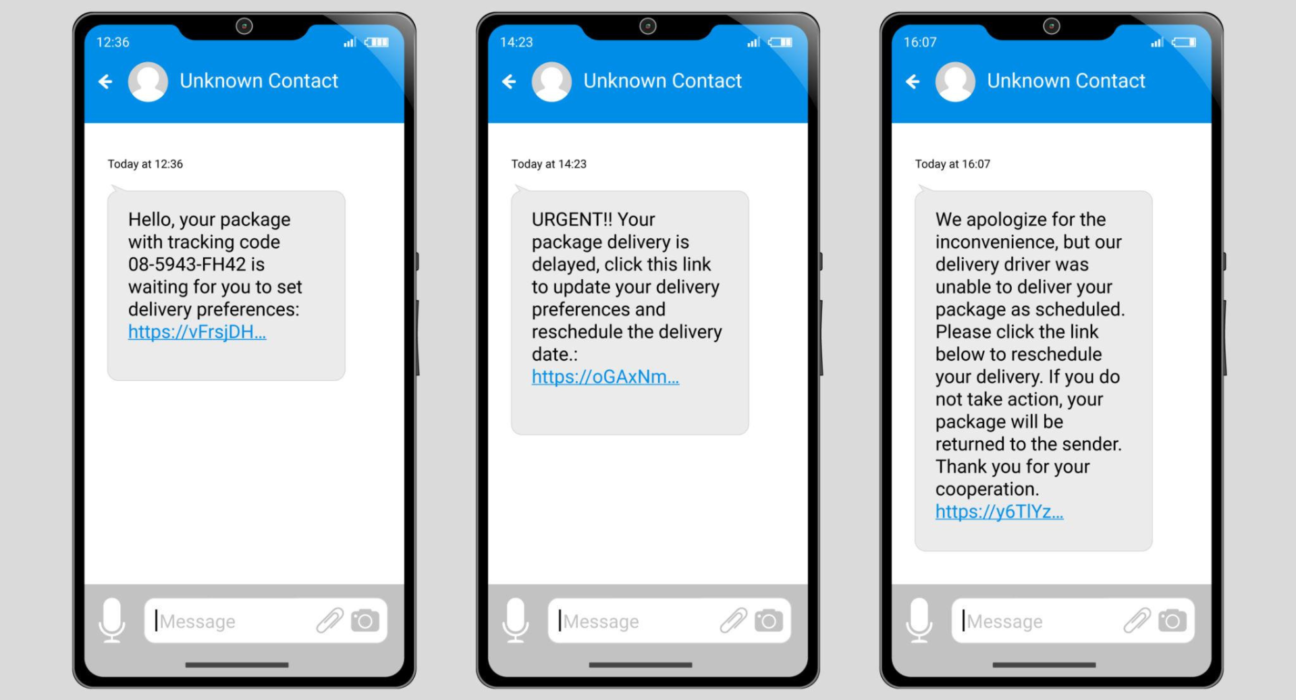
The typical flow:
- You receive a text claiming to be from a courier.
- It says there’s a problem with your package.
- It asks you to click a link to “reschedule,” “update address,” or “pay a small fee.”
- The link leads to:
- A fake payment page
- A phishing site asking for card details
- A malicious download
The message often creates urgency to pressure you into acting quickly.
🚩 Red Flags to Spot Immediately
✔ Random phone number (not official sender ID)
✔ Strange or shortened link (bit.ly, tinyurl, odd domains)
✔ Spelling mistakes or awkward grammar
✔ Small payment request to “release” delivery
✔ You weren’t expecting a package
If you’re unsure — never click directly from the message.
Instead, manually visit the courier’s official website.
😬 What If You Already Clicked?
First: Don’t panic.
What you do next depends on what happened after you clicked.
🟢 Scenario 1: You Clicked but Didn’t Enter Anything
You’re likely safe.
Do this:
✔ Close the page immediately
✔ Clear browser history and cache
✔ Run a security scan (Windows Security / Android security / Mac malware scan)
✔ Restart your device
If no file was downloaded and you didn’t enter data, risk is low.
🟡 Scenario 2: You Entered Personal Info (Name, Address, Email)
Your info may now be in scam databases.
Do this:
✔ Monitor email for phishing attempts
✔ Watch for suspicious logins
✔ Enable 2-Factor Authentication (2FA) everywhere
✔ Change passwords (especially email)
🔴 Scenario 3: You Entered Card Details
Act immediately.
🚨 Steps:
- Call your bank and block the card immediately
- Report unauthorized transactions
- Request a replacement card
- Monitor bank account for suspicious charges
The faster you react, the safer you are.
⚠ Scenario 4: You Downloaded an App or File
This is more serious.
📱 On Phone:
✔ Uninstall the suspicious app
✔ Check app permissions
✔ Run mobile security scan
💻 On Computer:
✔ Run full antivirus scan
✔ Check installed programs
✔ Remove unknown software
If unsure, consult a tech professional.
🔐 How to Protect Yourself Going Forward
📵 1. Never Trust Delivery Text Links
Always:
- Go directly to the courier’s official website
- Use official tracking apps
🔑 2. Use Strong Passwords + 2FA
Your email account is your most important asset. Protect it.
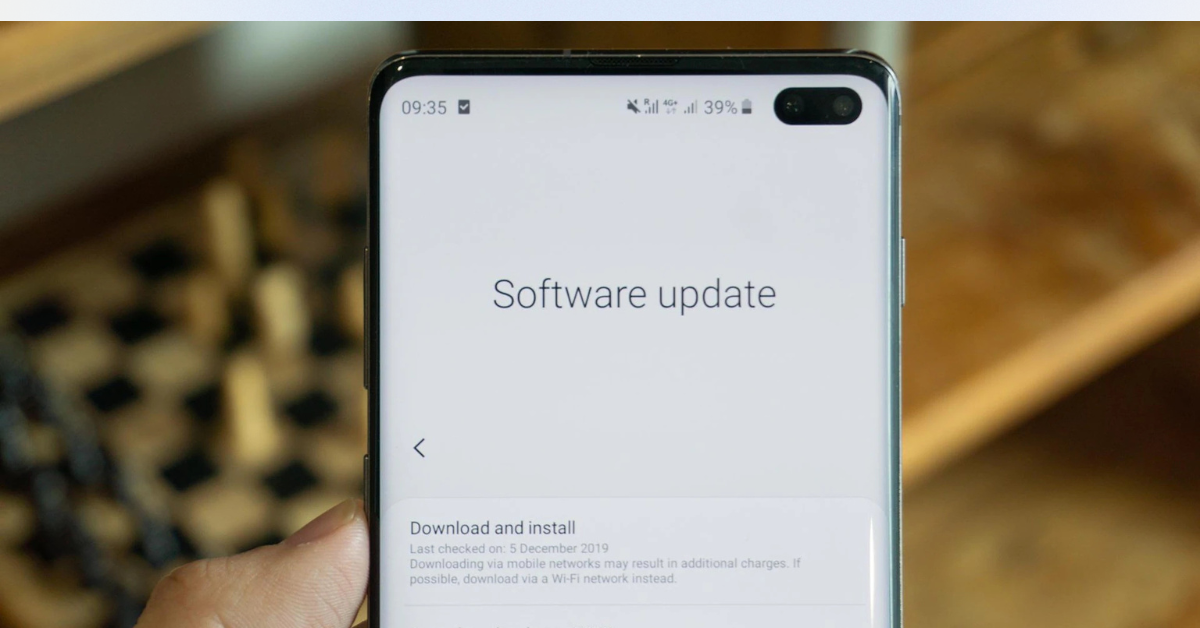
🛡 3. Keep Your Device Updated
Security patches block many exploits automatically.
📬 4. Verify Before Acting
Ask yourself:
- Am I expecting a package?
- Does this sender look legitimate?
- Is this link normal?
Scammers rely on panic and urgency.
📊 Why These Scams Work
Fake delivery scams succeed because:
- Online shopping is common
- Small payment requests seem harmless
- Messages feel urgent
- Courier brands feel trustworthy
It’s social engineering — not hacking.
🏁 Final Takeaway
✔ If you clicked but entered nothing → likely safe
✔ If you entered data → secure accounts immediately
✔ If you entered card info → contact your bank ASAP
✔ If you installed something → run security checks
The most powerful defense isn’t antivirus — it’s awareness.