Smart Home Privacy: 9 Settings to Change
Why Smart Home Privacy Matters More Than Ever
Smart homes are everywhere in 2026.
Doorbells, cameras, speakers, lights, TVs, and even appliances are:
Always connected
Often cloud-dependent
Constantly collecting usage data
The problem isn’t smart devices themselves—it’s default settings.
Most smart home products are designed for convenience first, privacy second. If you never change the defaults, you’re sharing far more data than you realize.
This guide focuses on nine practical settings that make the biggest privacy difference.
What We Mean by “Smart Home Privacy”
Smart home privacy isn’t about paranoia.
It’s about:
Controlling what data is collected
Deciding where that data is stored
Limiting who can access it
Reducing unnecessary tracking
You can still enjoy automation, voice control, and security—without oversharing.
Setting #1: Turn Off Voice Recording Storage
Smart speakers are designed to listen for wake words—but many also store recordings.
Devices from Amazon, Google, and Apple often keep voice clips to “improve services.”
What to Change
Disable voice recording history
Turn off human review of recordings
Set auto-delete (3 months or less)
Why It Matters
Stored voice data can reveal:
Daily routines
Conversations
Personal habits
You still get voice control—just without long-term storage.
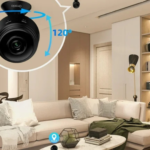
Setting #2: Review Camera Recording Modes (Cloud vs Local)
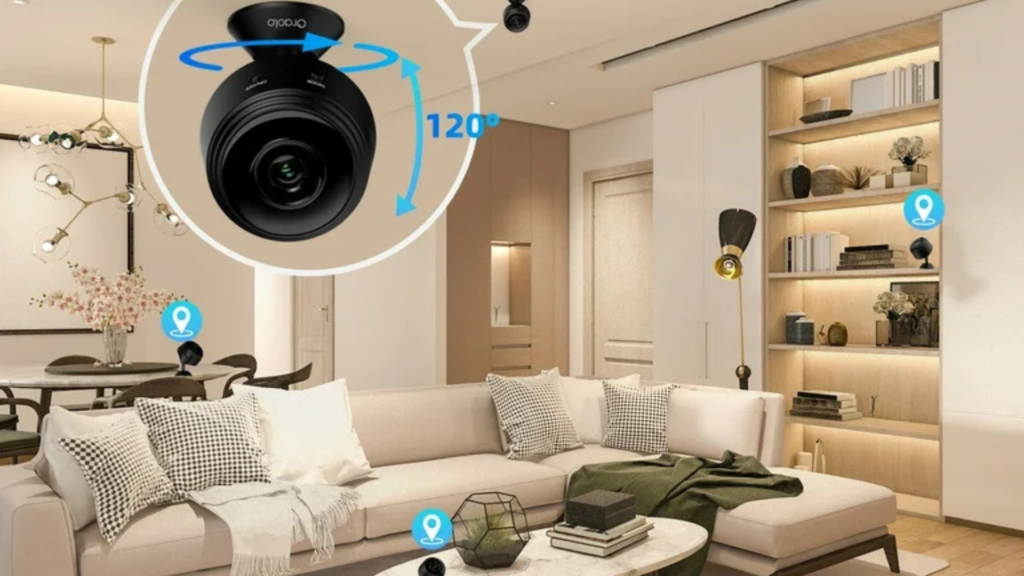
Smart cameras are powerful—but also the most sensitive devices in your home.
What to Change
Prefer local storage where possible
Reduce cloud retention time
Disable continuous recording
Brands that support local storage reduce long-term privacy risk.
Why It Matters
Cloud footage:
Lives on external servers
Is subject to breaches or access requests
Often requires subscriptions
Local storage gives you control without monthly fees.
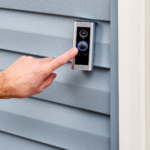
Setting #3: Limit Motion Detection Zones
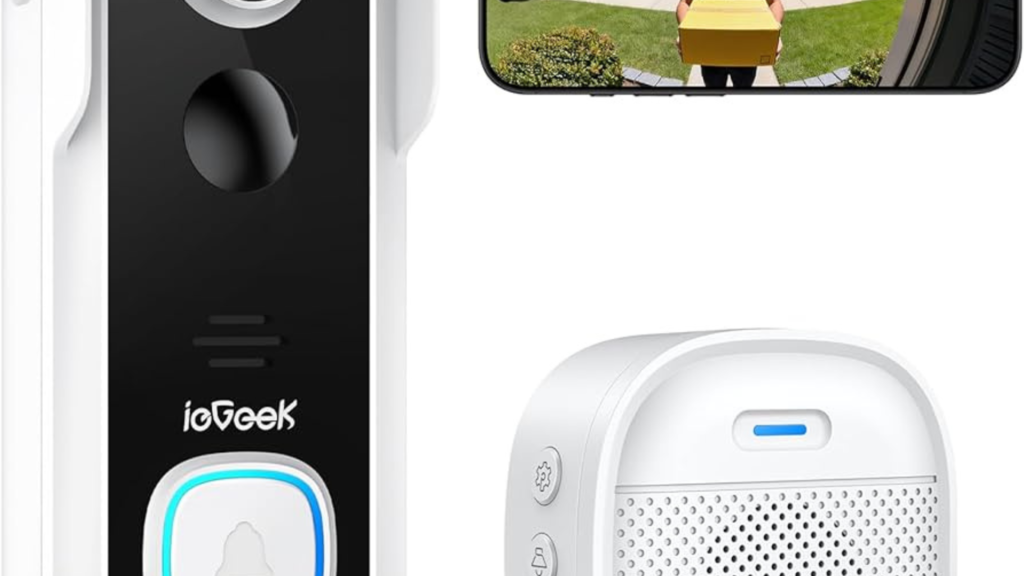
Smart cameras and doorbells often monitor more than necessary.
What to Change
Shrink motion zones to essential areas
Exclude sidewalks, roads, or neighbors’ property
Disable “all motion” alerts
Why It Matters
Overly broad motion zones:
Increase false alerts
Collect unnecessary footage
Raise privacy concerns for others
Less coverage = more privacy and better alerts.
Setting #4: Disable Ad Personalization & Data Sharing
Many smart home apps share data for:
Personalized ads
Analytics
Partner services
This includes TVs, speakers, and hubs.
What to Change
Turn off ad personalization
Disable third-party data sharing
Opt out of “improve products” programs
Why It Matters
Usage data can reveal:
Viewing habits
Daily schedules
Household routines
Disabling this rarely affects functionality.
Setting #5: Check App Permissions (Especially Location)
Smart home apps often request more permissions than needed.
What to Change
Set location access to “While using app”
Disable background location tracking
Remove access to contacts and photos
Why It Matters
Location data can expose:
When you’re home
When you’re away
Daily movement patterns
Your lights don’t need 24/7 GPS access.
Setting #6: Separate Smart Devices on a Guest Network
This is one of the most overlooked privacy protections.
What to Change
Create a separate Wi-Fi network for smart devices
Keep phones and computers on the main network
Why It Matters
If a smart device is compromised:
It can’t access personal files
It can’t scan your main devices
Damage is contained
Most modern routers support this easily.
Setting #7: Disable Remote Access You Don’t Use
Many smart home platforms allow:
Remote viewing
External access
Web-based controls
What to Change
Turn off remote access if unused
Limit access to specific devices only
Enable two-factor authentication
Why It Matters
Remote access increases attack surface.
If you only use devices locally, disable outside access entirely.
Setting #8: Review Automation & Activity Logs
Automation logs track:
When lights turn on
When doors open
When routines run
What to Change
Clear activity history regularly
Disable long-term log storage
Review which automations are tracked
Why It Matters
Activity logs can reconstruct:
Sleep schedules
Work hours
Travel patterns
That’s valuable information—keep it minimal.
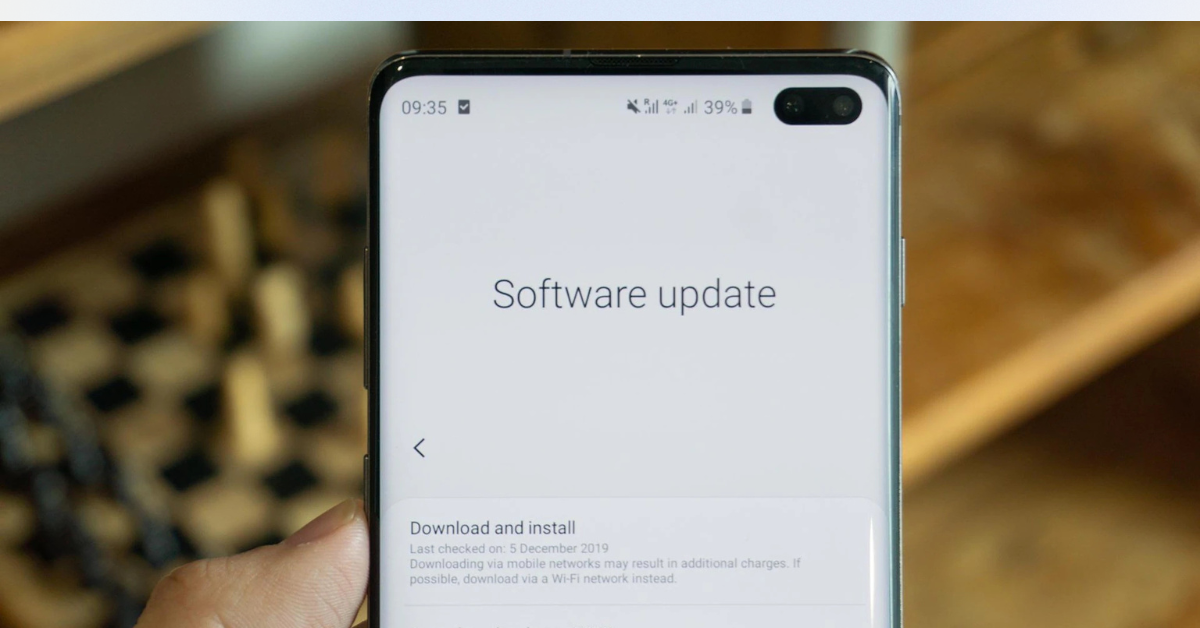
Setting #9: Update Devices & Remove Old Ones
Old devices are silent privacy risks.
What to Change
Remove unused devices from your account
Update firmware regularly
Replace unsupported products
Why It Matters
Unpatched devices:
Miss security fixes
May still have cloud access
Can be entry points for attackers
If a device no longer gets updates, it’s time to retire it.
Smart Home Privacy vs Convenience: The Balance
Here’s the truth:
You don’t need to choose between:
Privacy or smart features
You can have both—by changing defaults.
High Privacy, Low Impact Changes
Turning off ad tracking
Limiting data retention
Shrinking motion zones
These barely affect usability but greatly improve privacy.
Common Smart Home Privacy Myths
❌ “I have nothing to hide”
Privacy isn’t about hiding—it’s about control.
❌ “Big companies are safe by default”
Even major brands experience breaches.
❌ “Privacy settings break features”
Most features still work perfectly.
Quick Privacy Checklist (Bookmark This)
Setting Change Made?
Voice recording storage ⬜
Camera storage mode ⬜
Motion zones trimmed ⬜
Ad personalization off ⬜
App permissions reviewed ⬜
Guest network enabled ⬜
Remote access limited ⬜
Activity logs cleared ⬜
Devices updated/removed ⬜
Checking these once or twice a year is enough.
Real-World Insight (From Experience)
Most privacy issues don’t come from hacking.
They come from:
Forgotten default settings
Old unused devices
Excessive data retention
Ten minutes of setup can prevent years of silent data collection.
Smart Home Brands & Privacy Philosophy (High-Level)
Some brands focus on cloud-first convenience
Others emphasize local control and minimal data
Understanding this helps you choose future devices wisely.
Final Verdict: Smart Home Privacy in 2026
Smart homes don’t have to be privacy nightmares.
By changing nine key settings, you can:
Reduce unnecessary data sharing
Improve security
Maintain convenience
Feel confident about what your home collects
Privacy isn’t a feature—it’s a habit.
Start with these settings, and your smart home becomes smarter and safer.