
📹 Video Doorbell Review (Alerts + Subscription Cost Guide 2026)
- How good are the alerts?
- Do you need to pay a monthly subscription?
In this detailed guide, we review the best video doorbells, compare alert quality, and break down subscription costs so you can choose the right one for your home in India.
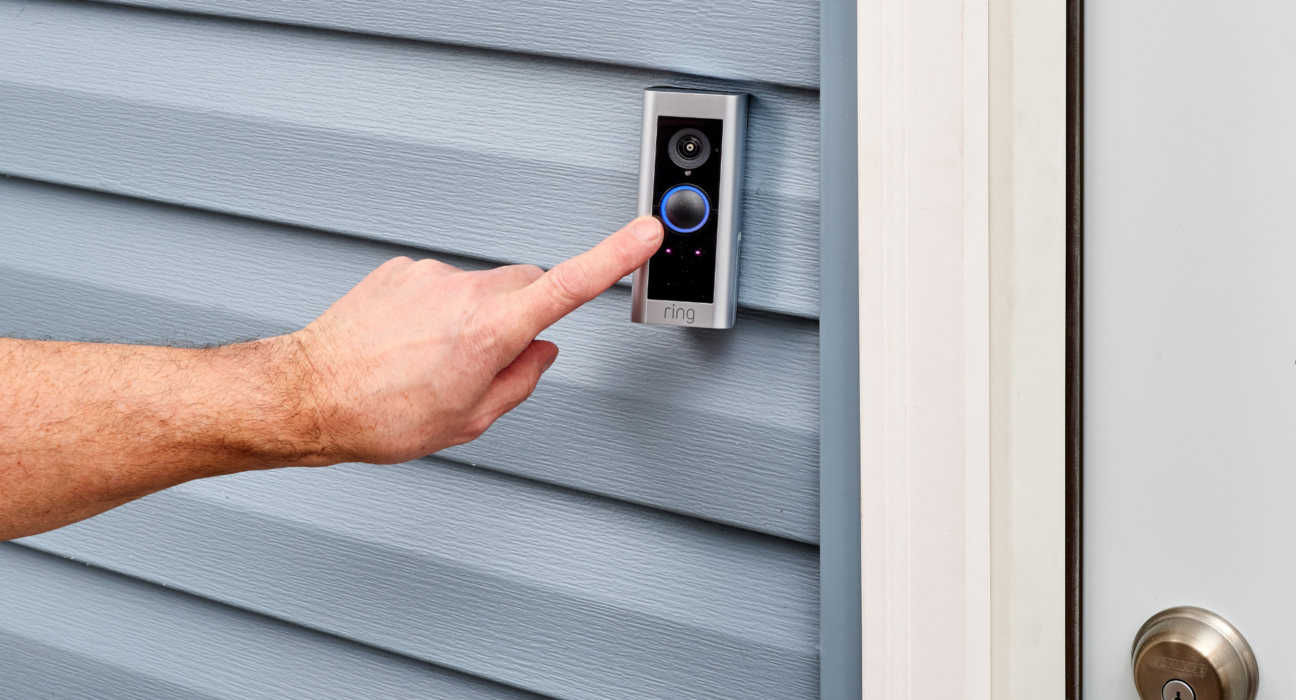
🔔 1️⃣ Ring Video Doorbells⭐ Best For: Smart alerts + strong ecosystem
💰 Price Range: ₹7,000 – ₹15,000
💳 Subscription: Required for video history
✅ Alerts
- Instant motion alerts
- Person detection (with subscription)
- Package detection (higher plan)
- Custom motion zones
Alerts are fast and reliable. The app is smooth and easy to use.
💵 Subscription Cost (Ring Protect Plan)
- Basic: ~$4.99/month (~₹400)
- Plus: ~$10/month (~₹800)
Without subscription:
- You get live view and motion alerts
- No video recording history
👉 Verdict: Great performance, but long-term cost adds up.
📷 2️⃣ Google Nest Doorbell (Battery/Wired)
⭐ Best For: AI-powered smart alerts
💰 Price Range: ₹18,000 – ₹22,000
💳 Subscription: Optional but recommended
✅ Alerts
- Person detection (FREE)
- Package detection
- Animal & vehicle alerts
- Familiar face detection (with plan)
Google gives some smart alerts even without subscription — which is a big plus.
💵 Nest Aware Subscription
- ~$6–$12/month (~₹500–₹1,000)
- 30–60 days cloud history
Without subscription:
- 3 hours event history
- Smart alerts still work
👉 Verdict: Expensive upfront, but very smart.
🔋 3️⃣ eufy Security Video Doorbell⭐ Best For: No monthly fees
💰 Price Range: ₹10,000 – ₹15,000
💳 Subscription: ❌ Not required
✅ Alerts
- Motion alerts
- Human detection
- Activity zones
- 2K video clarity
💵 Subscription Cost
₹0 per month (local storage via HomeBase or SD card)
All recordings are stored locally — no cloud fees required.
👉 Verdict: Best long-term value option.
📊 Alerts Comparison
| Feature | Ring | Nest | eufy |
|---|---|---|---|
| Basic Motion Alerts | ✅ | ✅ | ✅ |
| Person Detection | Paid | Free | Free |
| Package Detection | Paid | Free | Limited |
| Cloud Storage | Paid | Paid | Optional |
| Works Without Subscription | Limited | Yes | Yes |
💰 Long-Term Cost Comparison (2 Years)
| Brand | Device Cost | 2-Year Subscription | Total |
|---|---|---|---|
| Ring | ₹10,000 | ~₹9,600 | ₹19,600 |
| Nest | ₹20,000 | ~₹12,000 | ₹32,000 |
| eufy | ₹12,000 | ₹0 | ₹12,000 |
💡 If you don’t want recurring payments, eufy saves a lot over time.
⚡ What Actually Matters in Alerts?
When testing doorbells, focus on:
- Notification speed (under 5 seconds is ideal)
- Motion accuracy (fewer false alerts)
- AI detection (person vs car vs tree movement)
- App reliability
Smart alerts reduce unnecessary notifications — especially in busy areas.
🏆 Final Recommendation (2026)
✔ Best Overall Smart Experience → Google Nest Doorbell
✔ Best Budget + No Subscription → eufy Video Doorbell
✔ Best Ecosystem Integration → Ring Doorbell
If you want no monthly cost, choose eufy.
If you want advanced AI + smart home integration, Nest is better.
If you already use Amazon Alexa devices, Ring fits perfectly.