
monday.com Review 2026: A Smarter Way to Manage Projects, CRM, Automation & Team Workflows
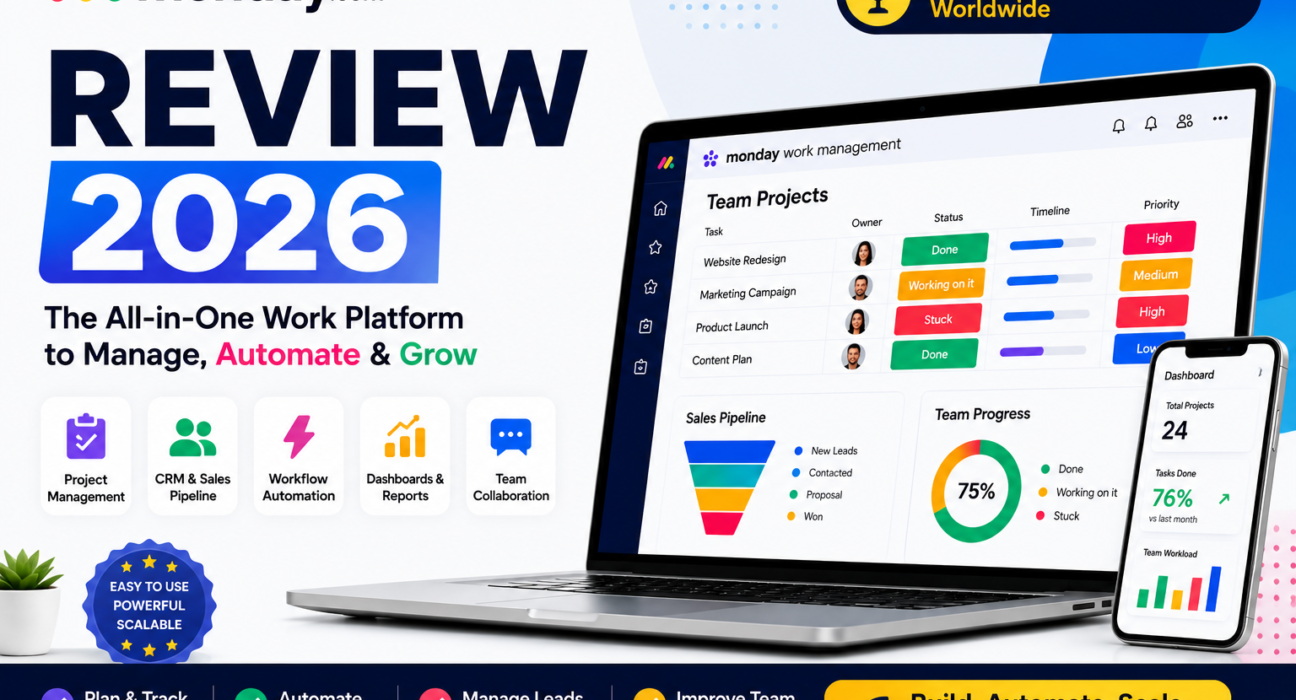
AbhayTech Software Review
If your team is tired of scattered spreadsheets, missed deadlines, messy follow-ups, and disconnected tools, monday.com gives you one visual platform to manage work, customers, campaigns, projects, service requests, and team productivity.
Try monday.com Explore Plans
Affiliate Disclosure: This article contains affiliate links. If you buy through our links, AbhayTech may earn a commission at no extra cost to you. We only recommend tools that may be useful for business productivity, project management, CRM, and workflow automation.
Table of Contents
What Is monday.com?
monday.com is an AI-powered work platform designed to help teams plan, organize, automate, track, and manage business workflows from one central workspace.
At its core, monday.com works like a flexible operating system for your business. You can use it for project management, sales CRM, marketing planning, software development, service ticketing, team collaboration, workflow automation, reporting dashboards, and operational visibility.
Instead of forcing every team into one rigid workflow, monday.com lets businesses build custom boards, views, automations, dashboards, pipelines, and approval flows based on how they already work.
Want to manage your team’s work in one place?
monday.com helps teams organize projects, automate tasks, track sales, monitor progress, and collaborate faster.
Get Started with monday.comWho Should Use monday.com?
Best For
Startups
Startups can use monday.com to manage product tasks, sales leads, marketing campaigns, operations, hiring pipelines, and founder priorities.
Best For
Agencies
Agencies can track clients, deliverables, approvals, revisions, campaign calendars, reports, and team capacity.
Best For
Sales Teams
Sales teams can use monday CRM to manage leads, deals, pipelines, follow-ups, contact history, and revenue visibility.
Best For
Marketing Teams
Marketing teams can organize content calendars, ad campaigns, creative workflows, influencer outreach, and campaign reporting.
Best For
Software Teams
Development teams can manage sprints, product roadmaps, bugs, releases, backlog items, and engineering workflows.
Best For
Operations Teams
Operations teams can automate approvals, manage internal requests, track vendors, assign work, and monitor performance.
Best monday.com Features for Business Teams
1. Visual Project Management
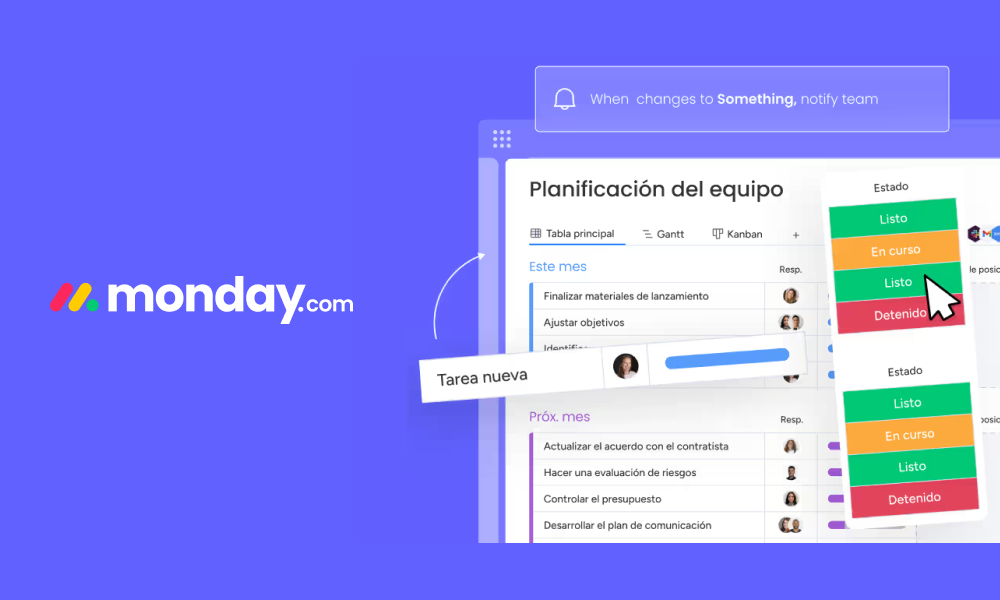
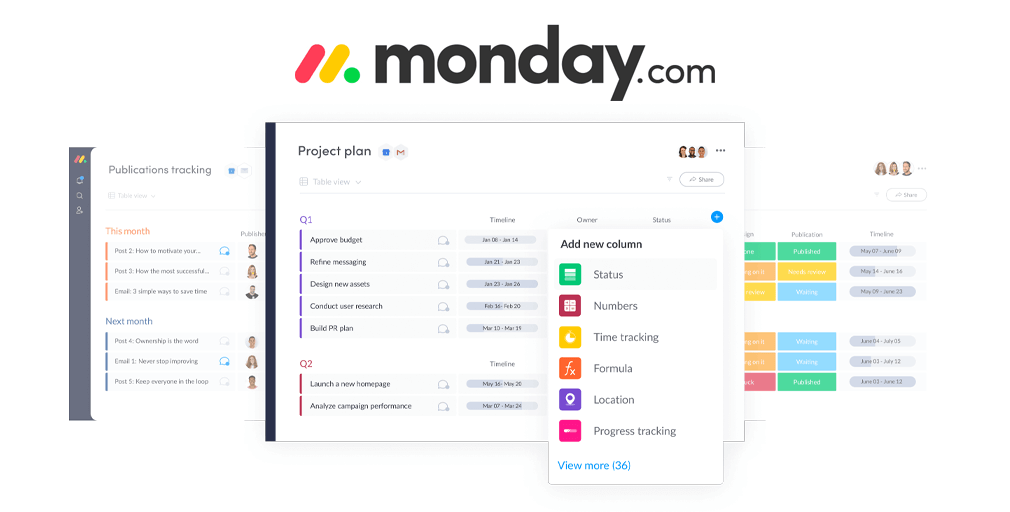
monday.com makes project tracking visual. You can organize work using boards, tables, Kanban views, timelines, calendars, dashboards, and Gantt-style planning. This helps teams quickly understand task status, ownership, priority, deadlines, and workload.
2. Workflow Automation
One of the strongest reasons to use monday.com is automation. Teams can automate repetitive tasks such as reminders, status updates, task assignments, approval alerts, follow-up messages, and handoff notifications.
For example, when a task status changes to “Done,” monday.com can automatically notify the next person, update a dashboard, or move the item to another workflow stage.
3. monday CRM for Sales Pipelines
monday CRM helps businesses manage contacts, leads, deals, activities, and follow-ups. It is useful for sales teams that want a simple but flexible CRM without the complexity of enterprise-heavy systems.
You can create custom sales pipelines, track deal stages, automate follow-ups, and view sales performance from dashboards.
4. AI-Powered Productivity
monday.com has been moving toward AI-powered work management. Its AI features are designed to help teams summarize work, automate updates, surface risks, and speed up daily operations.
This makes it especially useful for teams that want to reduce manual admin work and focus more on execution.
5. Dashboards and Reporting
Dashboards give managers a real-time overview of work progress, deadlines, sales activity, campaign status, service requests, workloads, and team performance.
This is useful for leaders who want visibility without asking everyone for manual updates.
6. Integrations
monday.com connects with many popular business tools, helping teams bring data, communication, files, and workflows into one place. This reduces tool switching and improves team alignment.
monday.com Products Explained
| Product | Best For | Use Case |
|---|---|---|
| monday Work Management | Project managers, marketing teams, operations teams | Projects, tasks, workflows, calendars, dashboards, approvals, planning |
| monday CRM | Sales teams, agencies, consultants, growing businesses | Leads, deals, contacts, pipelines, follow-ups, revenue tracking |
| monday Dev | Product teams, software teams, engineering teams | Sprints, bugs, roadmaps, releases, backlog, agile workflows |
| monday Service | IT teams, support teams, internal service teams | Tickets, service requests, incident tracking, SLA workflows |
monday.com Pricing Overview
monday.com pricing depends on the product, plan, team size, and billing cycle. monday Work Management and monday Dev offer Basic, Standard, Pro, and Enterprise paid plans, while monday CRM offers Basic, Standard, Pro, and Ultimate plans. monday Service starts from the Standard plan and does not include a Basic plan.
The Free plan is available for monday Work Management and is useful for individuals or small teams who want to test the platform before upgrading.
Free Plan
Good for testing monday.com basics and simple personal or small-team workflows.
Basic Plan
Good for simple project tracking, task organization, and basic work visibility.
Standard Plan
Good for growing teams that need more views, collaboration, and workflow flexibility.
Pro Plan
Good for advanced workflows, more automation, dashboards, reporting, and team control.
Enterprise Plan
Good for larger organizations that need security, compliance, permissions, and scale.
Ultimate CRM
Good for sales teams that need more advanced CRM capabilities and sales operations support.
Why monday.com Is Useful for Growing Businesses
Many growing businesses start with spreadsheets, WhatsApp messages, email threads, and simple task lists. That works in the beginning, but it becomes difficult when the team grows, projects increase, and customers expect faster delivery.
monday.com helps by creating a structured system where every task, client, lead, project, deadline, and workflow can be tracked clearly.
Before monday.com
- Scattered spreadsheets
- Manual follow-ups
- Unclear ownership
- Missed deadlines
- No real-time dashboards
- Hard to track team workload
After monday.com
- Centralized workflows
- Automated reminders
- Clear task ownership
- Visual project tracking
- Live dashboards
- Better team collaboration
monday.com vs Other Project Management Tools
| Tool | Best For | Why Choose monday.com Instead? |
|---|---|---|
| Trello | Simple Kanban boards | monday.com is better for dashboards, CRM, automation, reporting, and multi-team workflows. |
| Asana | Task and project management | monday.com is more flexible for teams that need CRM, operations, sales, and custom workflows. |
| ClickUp | Highly customizable productivity | monday.com may feel cleaner and easier for teams that want visual workflows and faster onboarding. |
| Spreadsheets | Basic data tracking | monday.com provides automation, collaboration, ownership, dashboards, and structured workflow control. |
Build a cleaner workflow for your business
Use monday.com to manage work across projects, sales, marketing, operations, development, and service teams.
Try monday.com Nowmonday.com Pros and Cons
Pros
- Modern and visual interface
- Flexible for many business workflows
- Strong project management tools
- CRM product available for sales teams
- Workflow automation saves time
- Useful dashboards and reporting
- Good for remote and hybrid teams
- Supports marketing, sales, dev, service, and operations teams
Cons
- Advanced features may require higher plans
- Large teams should check total cost carefully
- Complex workflows may take time to set up
- Too many customization options may feel overwhelming at first
Best Ways to Use monday.com
For Project Management
Create project boards for tasks, owners, deadlines, priorities, dependencies, files, notes, and progress tracking. Managers can use dashboards to monitor project health in real time.
For Sales CRM
Create lead pipelines, track deal stages, add contact notes, automate follow-ups, and monitor revenue opportunities.
For Marketing Campaigns
Plan content calendars, assign creatives, manage approvals, track campaign assets, and organize publishing workflows.
For Client Work
Agencies can manage multiple clients, deliverables, deadlines, approvals, and reporting from one workspace.
For Internal Operations
Use monday.com for employee onboarding, procurement requests, vendor tracking, approval workflows, meeting actions, and operational dashboards.
Is monday.com Good for Indian Businesses?
Yes, monday.com can be useful for Indian startups, agencies, SaaS companies, IT service providers, digital marketing teams, consulting firms, and growing SMBs.
Many Indian businesses depend heavily on spreadsheets, WhatsApp communication, and manual follow-ups. monday.com can help create a more professional work management system where projects, clients, tasks, deadlines, and accountability are visible to everyone.
For service-based businesses, monday.com is especially useful because client deliverables, approvals, reports, and internal responsibilities can be tracked in one place.
Frequently Asked Questions
Is monday.com only a project management tool?
No. monday.com includes project management, CRM, service management, development workflows, automation, dashboards, AI capabilities, and team collaboration features.
Does monday.com have a free plan?
Yes. monday Work Management has a Free plan that helps users test the platform basics before choosing a paid plan.
Is monday.com good for sales teams?
Yes. monday CRM is built for managing leads, contacts, deals, pipelines, activities, and sales workflows.
Can monday.com replace spreadsheets?
For many teams, yes. It provides better structure, automation, ownership, dashboards, and collaboration compared to spreadsheets.
Is monday.com suitable for agencies?
Yes. Agencies can manage clients, projects, approvals, campaigns, deliverables, and reporting using monday.com workflows.
Does monday.com support automation?
Yes. monday.com includes workflow automation features that can reduce manual updates, reminders, and repetitive admin tasks.
Is monday.com beginner-friendly?
Yes, the interface is visual and user-friendly. However, advanced workflow setup may require some planning.
Final Verdict: Should You Try monday.com?
monday.com is a strong choice for teams that want more than a simple task management tool. It is built for businesses that need project tracking, CRM, automation, dashboards, team collaboration, development workflows, and service management in one platform.
If your business is growing and you want to reduce scattered tools, manual follow-ups, missed deadlines, and unclear ownership, monday.com is worth exploring.
For startups, agencies, sales teams, marketing departments, operations teams, and software teams, monday.com can become a central workspace for daily execution and long-term planning.
Ready to simplify your workflow?
Explore monday.com and see how it can help your team manage projects, CRM, automation, and collaboration from one platform.
Start with monday.com